
The Azure CLI is a command-line tool that let you manage the Azure resources from your local terminal. Using the terminal can bring a lot of advantages, like being more efficient and automating tasks with scripts. We will easily install this tool using the homebrew package manager.
At the time of writing, the current version of the Azure CLI is 2.0.74.
Prerequisites
- Brew
- Python3 package
- Azure subscription
Installation
Step 1. Open terminal and update brew:
brew update
Step 2. Install Azure CLI with brew:
brew install azure-cli
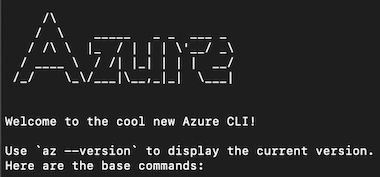
Step 3. Run the az command from terminal to make sure the installation was successful:
az
Step 4. Login to the console with Azure credentials:
az login
It should open the Azure login page from the default browser.
Feel free to leave a comment below and if you find this tutorial useful, follow our official channel on telegram.